 ResponsePro
What you are setting up
ResponsePro missed-call recovery texts people who call your business but do not reach you live. To do that, your carrier must forward unanswered calls to your dedicated ResponsePro phone number (the Telnyx DID we provision for you) using Call Forward No Answer (CFNA) — not unconditional forwarding.
When CFNA is correct, your published business number still rings your phone first. If you do not pick up, the call rolls to ResponsePro; we detect the hangup and send a compliant recovery SMS from your ResponsePro number. For a product overview, see Missed Call Recovery explained.
Before you dial anything
Copy your ResponsePro voice number. It is in your welcome email (SMS number / Telnyx DID) and in the dashboard after login. Use full E.164 format with country code, e.g. +15551234567, in the steps below wherever you see YOUR_RP_NUMBER — except AT&T, which uses the 10-digit number only (no +1) in the star code.
Use the phone that owns the published business line. Most star codes must be dialed from that line (your mobile handset or office desk phone).
Prefer CFNA, not unconditional forward. Unconditional forwarding sends every call immediately to ResponsePro and can prevent your phone from ringing at all — that is not what we want for normal operations.
Carrier-by-carrier reference
Carriers change menus and star codes over time. Treat the table below as a starting point; confirm with your carrier if a code fails.
| Carrier / type | Typical CFNA setup |
|---|---|
| AT&T Mobility | Dial *61*YOUR_RP_NUMBER*11# then Call. Wait for the activation confirmation (call forwarding when unanswered). |
| T-Mobile | Dial **61*YOUR_RP_NUMBER*11*20# then Call. The 20 is ring seconds before forward (adjust if needed). |
| Verizon Wireless | Ask Verizon to enable Call Forwarding No Answer on the line if needed. Then dial *71 YOUR_RP_NUMBER (space optional) and Call. |
| Google Voice | Settings → Calls → Call forwarding → Forward when busy or unanswered → enter YOUR_RP_NUMBER. |
| Landline / VoIP | Many carriers use *92 to activate CFNA-style forwarding and *93 to turn it off. If those do not work, ask for Call Forwarding No Answer (CFNA) and the target number. |
On AT&T wireless, use the *61*...*11# code above — not the landline *92 codes sometimes listed on AT&T's general support pages.
Example substitution (replace with your real DID):
*615551234567*11#Test it in 60 seconds
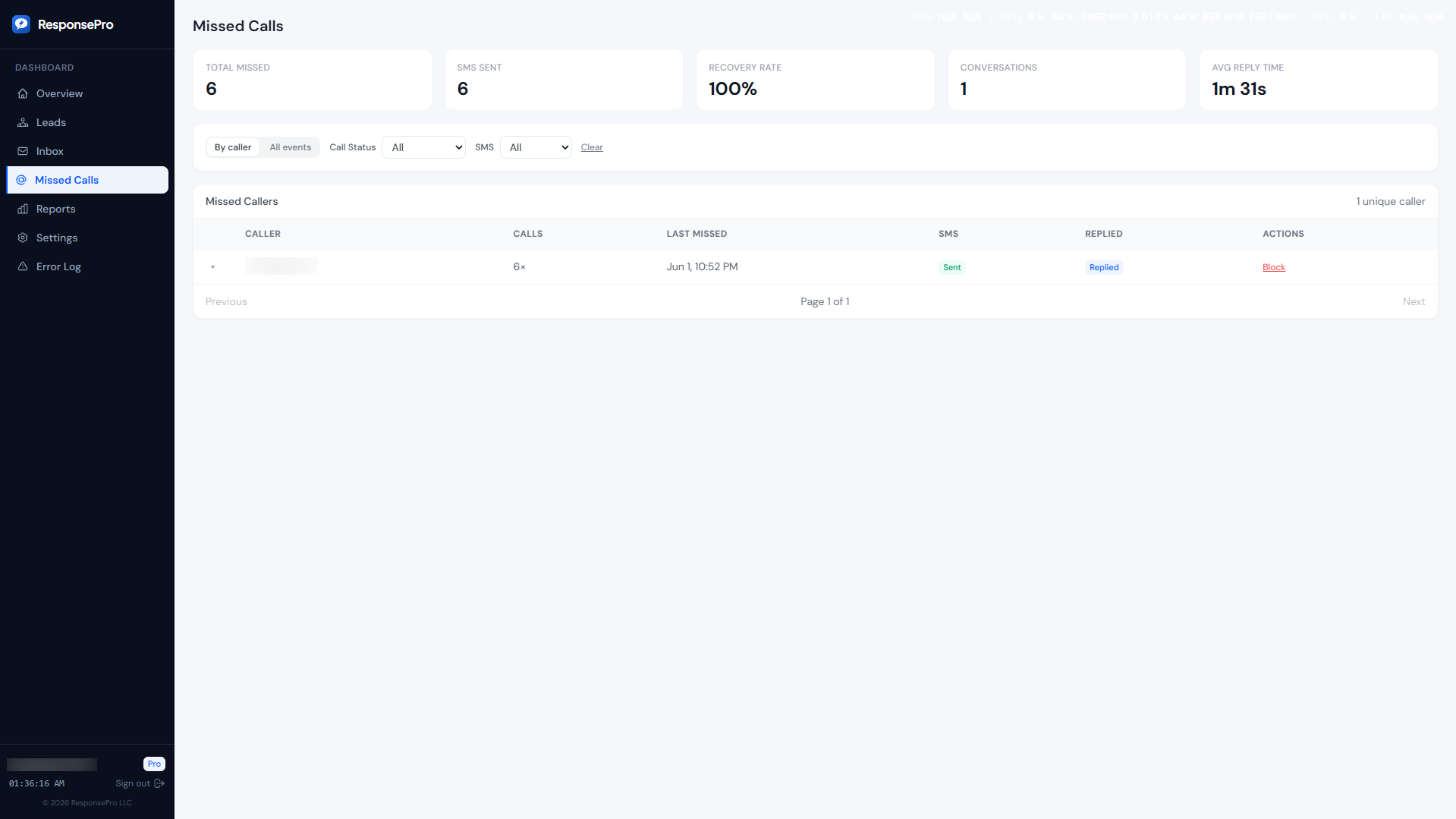
- From a different phone, call your public business number.
- Let it ring; do not answer on the business handset.
- Within about ten seconds after ringing stops, the caller should receive a recovery SMS from your ResponsePro number (subject to tier, opt-out state, and carrier timing).
If nothing arrives, check the troubleshooting section before opening a ticket.
Troubleshooting
- Call is too short. Our API ignores hangups whose ring duration is below a configurable minimum (noise guard). Let the phone ring long enough that a real customer would have waited — usually several seconds — before hanging up.
- Wrong forward type. If every call skips your handset entirely, you likely enabled unconditional forwarding instead of CFNA.
- Opt-outs. If the caller previously texted STOP, recovery SMS is suppressed for compliance.
- Tier. Confirm missed-call recovery is enabled on your account and that CFNA is forwarding to your ResponsePro voice number.
Still stuck? Email support@responsepro.app with your carrier name and a short description of what you tried.
How this fits with lead webhooks
Missed-call recovery is independent of your website webhook / intake URL. Leads from forms hit your intake URL; missed calls arrive via voice forwarding. Both paths respect caps, opt-outs, and logging on the same ResponsePro account.